Huion HS610 Graphics Drawing Tablet Review with Adjustable Huion ST300 Stand
Huion HS610 Graphics Drawing Tablet Review with Adjustable Huion ST300 Stand
- Exceptional tilt function ensures precise pressure sensitivity and smooth cursor positioning for natural, detailed strokes.
- The battery-free stylus eliminates the need for charging, offering uninterrupted creativity and an authentic drawing experience.
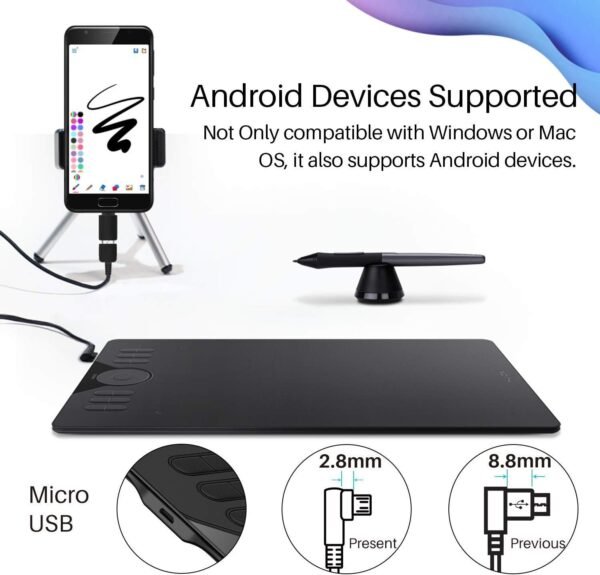
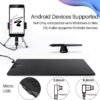
- Seamless Android compatibility allows easy connection to supported devices, expanding versatility beyond traditional systems.
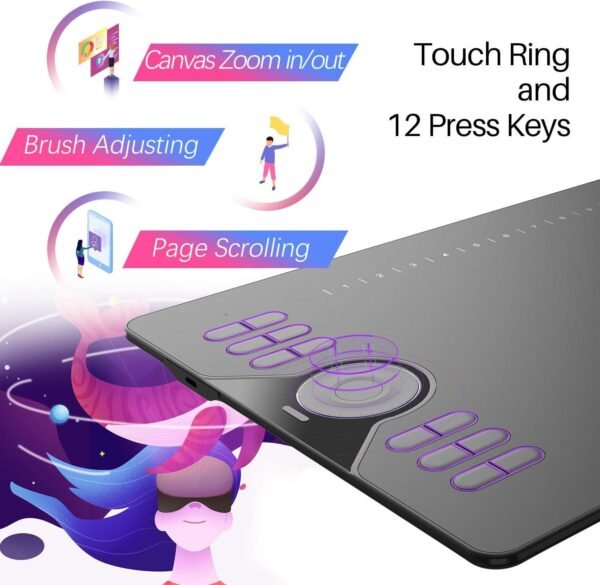
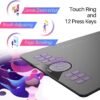
- Customizable touch ring and keys enhance workflow efficiency, enabling intuitive navigation and personalized functionality.
As an Amazon Associate I earn from qualifying purchases.
Description
Huion HS610 Graphics Drawing Tablet: A Digital Artist’s Companion
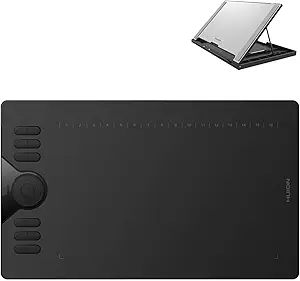
While testing the Huion HS610 Graphics Drawing Tablet, I found it to be a versatile and surprisingly enjoyable tool for digital art and graphic design. Paired with the Huion ST300 Adjustable Drawing Tablet Stand, this setup offers flexibility and comfort for creative professionals and hobbyists alike. From its Android compatibility to the touch ring functionality, there’s so much to explore. However, like anything, it has its quirks, so let me take you through my experience.
Sleek Design and Ergonomics
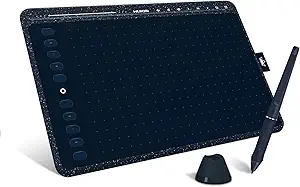
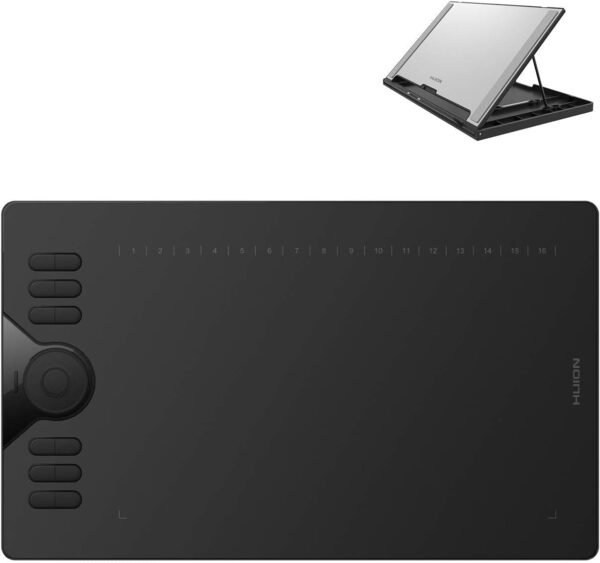
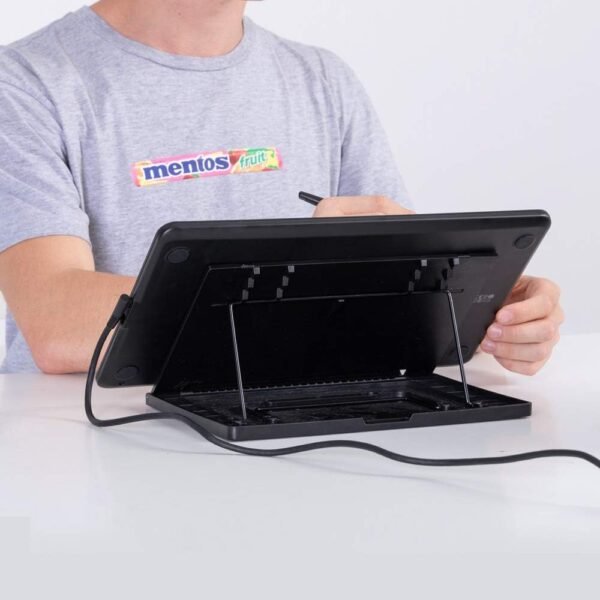
The design of this graphics tablet immediately caught my eye. It’s incredibly lightweight, making it easy to move around my desk or even pack away for a day of work on the go. The 12 customizable press keys and touch ring are strategically placed, providing quick access to essential shortcuts without cluttering the workspace. Using the adjustable stand, I could tilt the tablet at a comfortable angle, reducing strain on my wrist during long sketching sessions. However, the stand did feel slightly wobbly at its steepest angle, so I stuck to a medium tilt for the most part.
Seamless Compatibility with Android Devices
One of the standout features of this device is its Android 6.0 support, which is a game-changer for anyone who prefers working on mobile platforms. I connected my Android phone easily using the OTG connector provided in the box. It was pretty exciting to see my mobile device seamlessly transform into a digital canvas. Still, the fact that iPhones and iPads are not compatible at the moment might be a dealbreaker for Apple users. Additionally, there’s a limitation with Samsung devices, as the cursor doesn’t appear unless you’re using the Note series, which I found unfortunate since Samsung products are popular among creators.
Touch Ring and Customizable Keys: A Productivity Boost
The touch ring is where this tablet shines. Whether I was zooming in to add tiny details or scrolling through pages of my artboard, it felt like an intuitive extension of my hand. The 12 customizable keys allowed me to set up my most-used tools, and once I memorized their layout, my workflow became significantly faster. However, for absolute beginners, setting up these customizations might feel a little overwhelming at first. The tutorial included in the manual helped me navigate this process.
Natural Drawing Experience with Tilt and Pressure Sensitivity
Using the tilt function and the battery-free stylus, I felt as though I was working with an actual pencil on paper. The pen supports a ±60-degree tilt, and this added depth and variation to my strokes, which made shading and texturing so much easier. Not having to worry about charging the stylus was a relief, especially when I was in the middle of a project. The pressure sensitivity was precise, and the cursor tracked my movements smoothly. While the pen was a joy to use, I noticed a very slight lag when working on high-resolution projects, though it wasn’t enough to disrupt my workflow.
Key Benefits
- Lightweight and portable design ideal for artists on the go.
- Android 6.0 support makes it versatile for mobile users.
- Battery-free stylus eliminates the hassle of charging.
- Touch ring and customizable keys improve efficiency.
- ±60-degree tilt function offers a natural drawing experience.
Areas for Improvement
- Incompatibility with iPhones and iPads limits its audience.
- Samsung device issues with the cursor can be frustrating.
- The tablet stand feels unsteady at steeper angles.
Competing Products
Comparing the Huion HS610 to its competitors, such as the Wacom Intuos and XP-Pen Deco Pro, reveals some interesting contrasts. Wacom’s models are often hailed for their durability and seamless software integration, but they tend to be pricier without offering Android support. The XP-Pen Deco Pro, on the other hand, rivals this product with its dual dial feature, which some users might prefer over the touch ring. However, the Deco Pro lacks the ±60-degree tilt function, which gives the HS610 an edge for advanced illustrators. While the Huion HS610 might not have the premium feel of Wacom tablets, it still delivers solid performance at a fraction of the cost.
Cost-Effectiveness
For the price, this tablet offers exceptional value. The fact that you’re getting features like a battery-free stylus, tilt recognition, and Android compatibility makes it a smart choice for budget-conscious artists. While it may not have the polish of higher-end brands, the functionality it delivers is undeniably worth the investment. If you’re new to digital art or looking for a secondary tablet, this one punches well above its weight.
Related products

Review of HUION HS611 Graphics Drawing Tablet with Tilt Function and Multimedia Keys

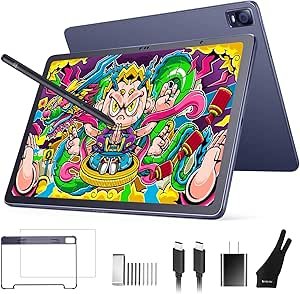
XP-PEN Magic Drawing Pad review Best Standalone Tablet for Artists and Designers

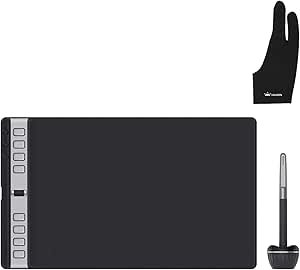
HUION Inspiroy 2 Graphics Tablet Review Best for Artists and Designers in 2023

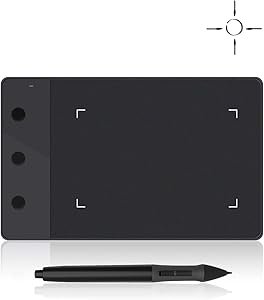
HUION H420 Graphics Tablet Review Affordable Drawing Pad with Stylus for Beginners